Wix App Market Logo

wix logo


Trending Topics
toko online
pemesanan
event
popup

Image Hover Effects logo

Image Hover Effects

Oleh
Hover zoom, captions and tilt for your images
Belum ada Ulasan
Gratis

Ringkasan Image Hover Effects

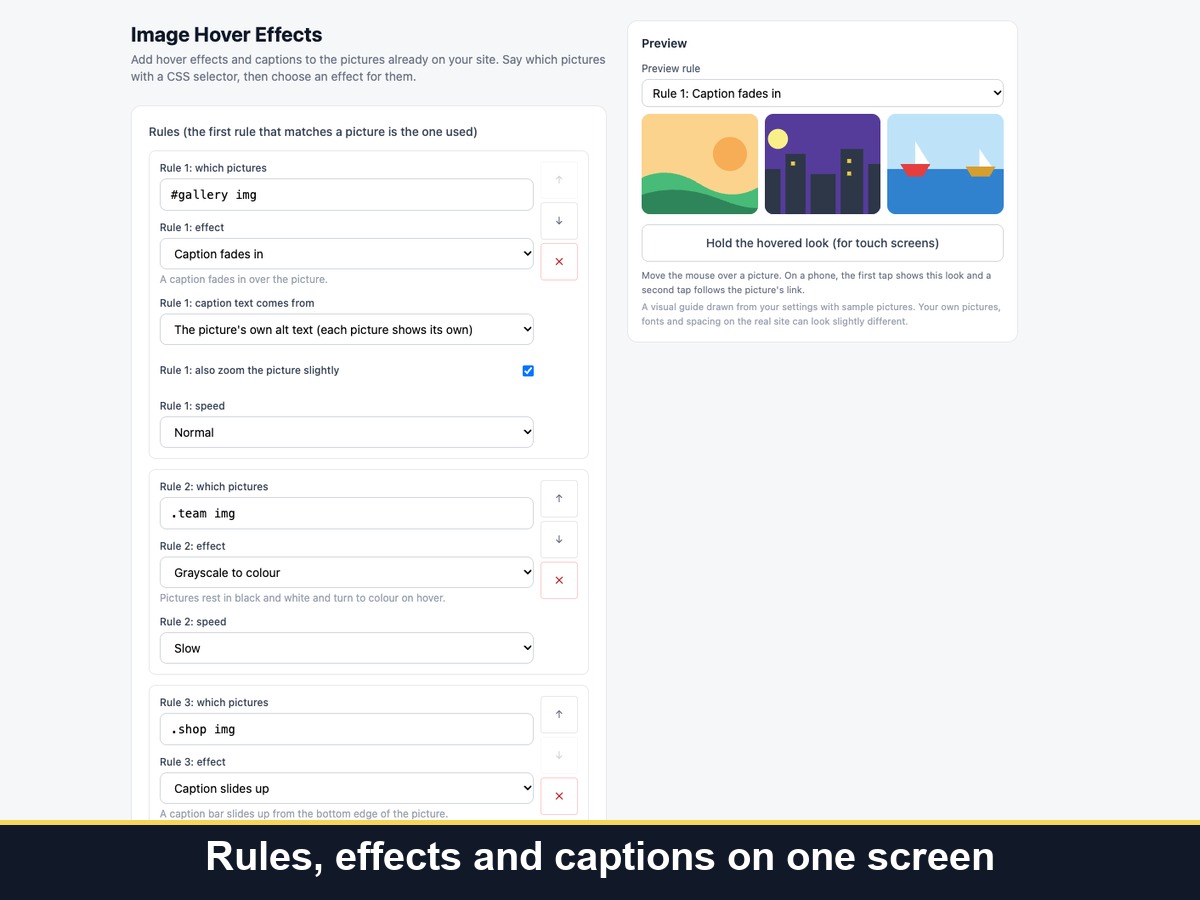
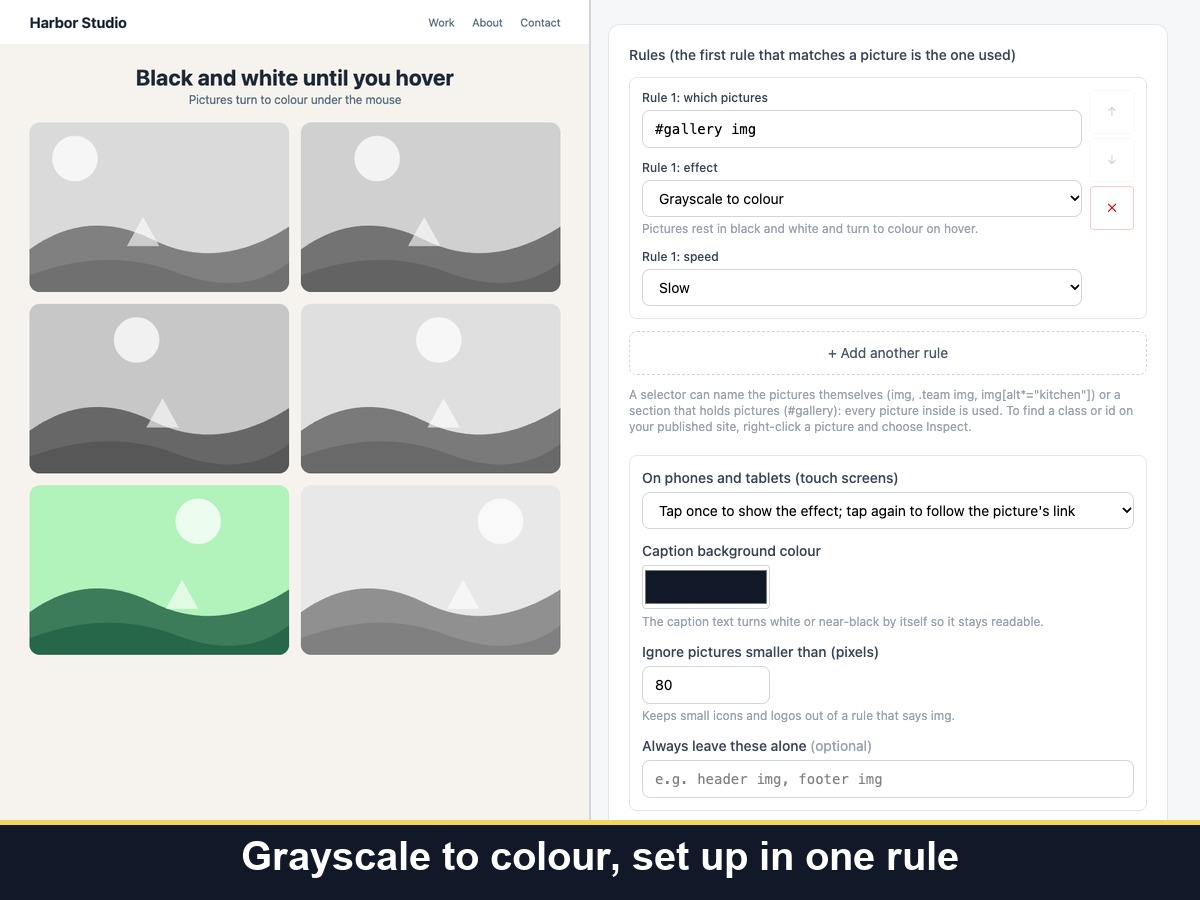
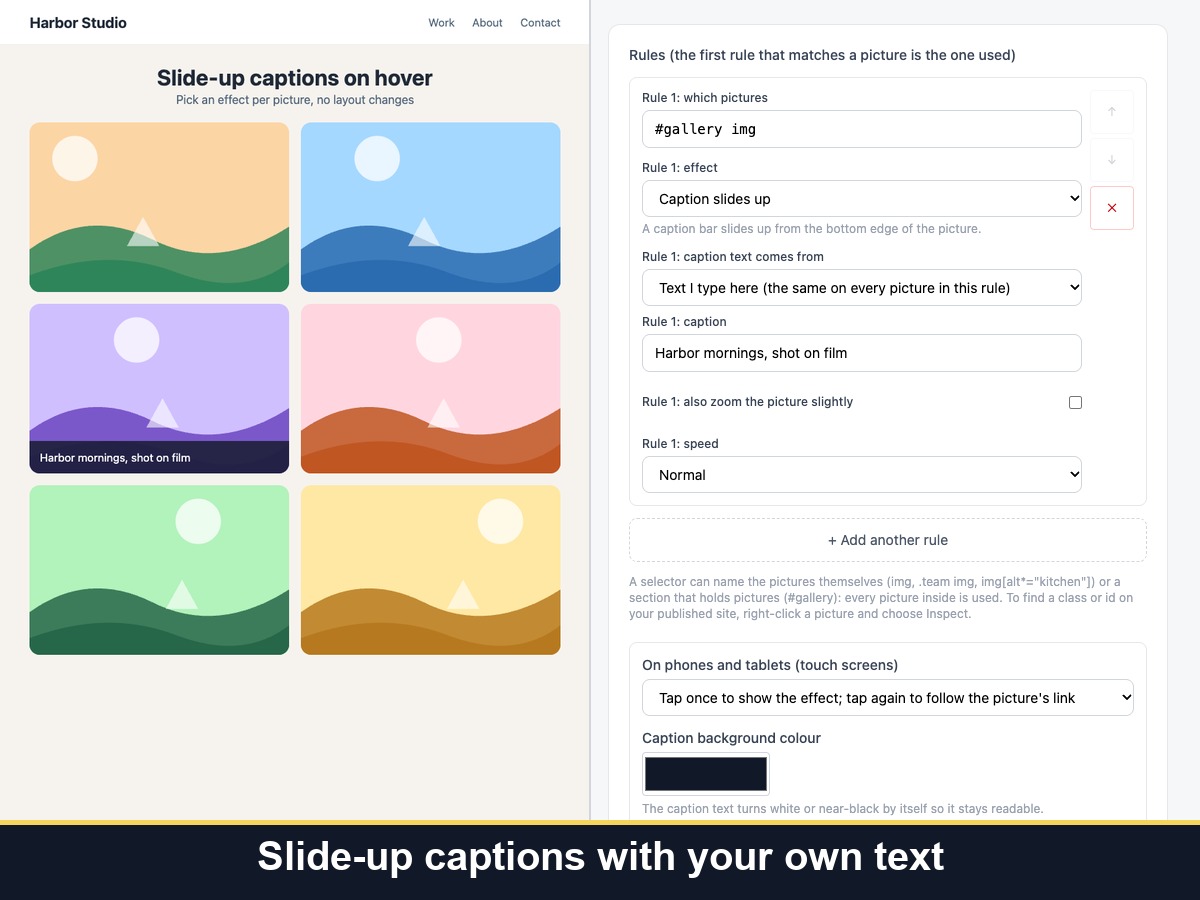
  • Zoom, caption fade, caption slide, grayscale, tilt
  • Pick pictures by CSS selector for each rule
  • Phone tap-to-reveal and reduced motion
  • Choose pages and keep your links and layout
Image Hover Effects adds hover effects to the pictures already on your pages. You say which pictures with a CSS selector, such as every image, a gallery or one section, and choose an effect for each rule: zoom in, a caption that fades in, a caption that slides up, grayscale that turns to colour, or a 3D tilt that follows the mouse. Captions can come from each picture's own alt text or from text you type. You can set the speed, the zoom or tilt strength, the caption colour, and the pages where it runs or never runs. The effects are designed to leave pictures in their place, with their size, link and alt text unchanged. On phones, the first tap shows the effect and a second tap follows the link, or you can switch effects off on touch screens. Visitors who prefer reduced motion get no zoom, tilt or sliding, and keyboard focus shows the same effect as hover. It works on picture elements only, so section or strip backgrounds and videos are not changed. Your settings are part of every page's source, so keep private notes out of them.
Ketersediaan:
Aplikasi ini tersedia di seluruh dunia.
Bahasa Aplikasi:
Inggris
Anda dapat menerjemahkan semua konten aplikasi yang ditampilkan di situs Anda ke dalam bahasa apa pun.
Ditampilkan di

Penilaian & Ulasan

Aplikasi ini belum menerima ulasan apa pun, jadilah yang pertama menilainya.

Buat dan luncurkan aplikasi Anda berikutnya untuk 230 juta+ pengguna Wix