

toko online
pemesanan
event
popup
Google Drive
Oleh
Show Drive files & folders on your site
Belum ada Ulasan
Tersedia paket gratis

Ringkasan Google Drive
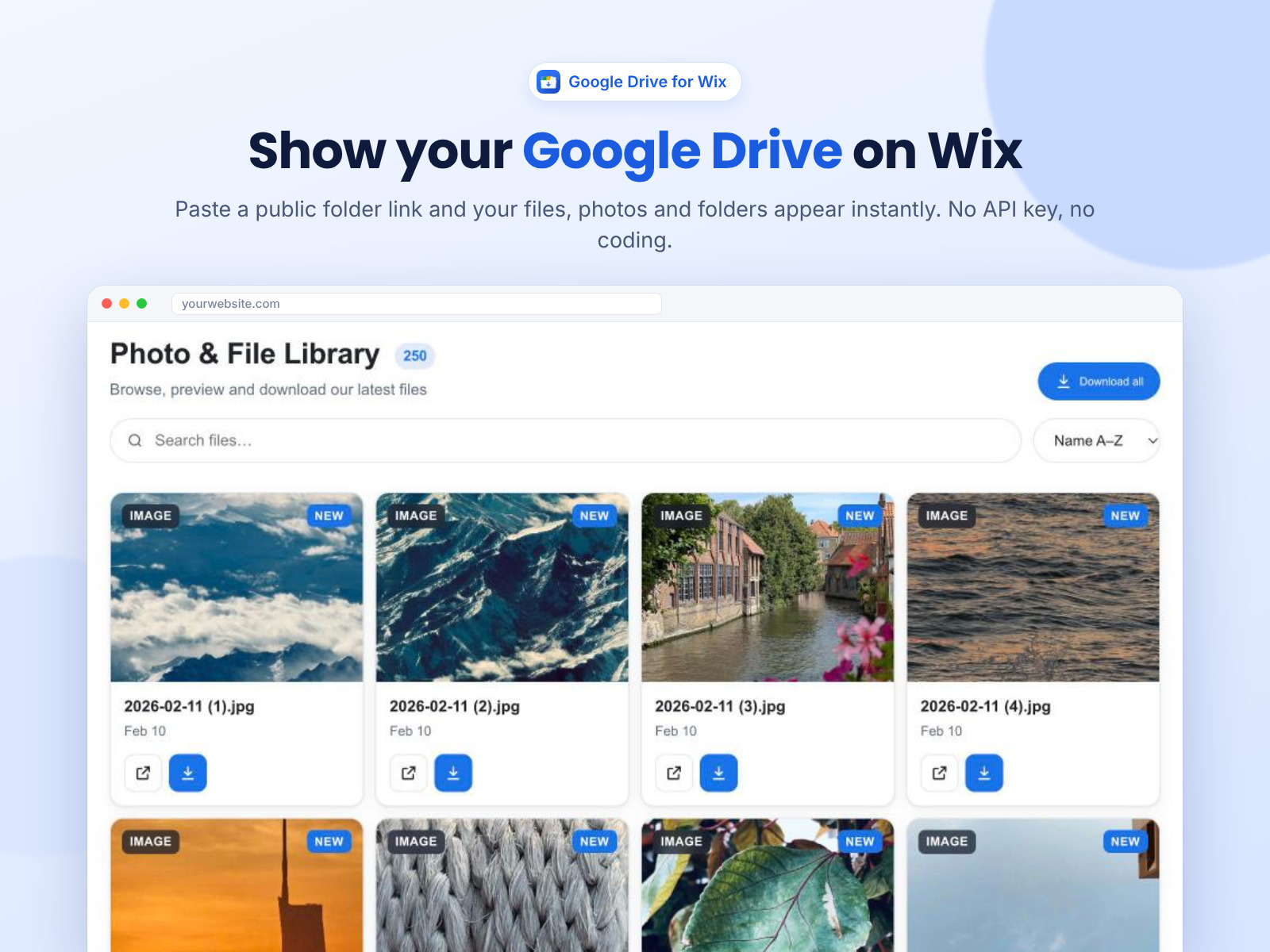
- Paste a Google Drive folder link – no Google sign-in
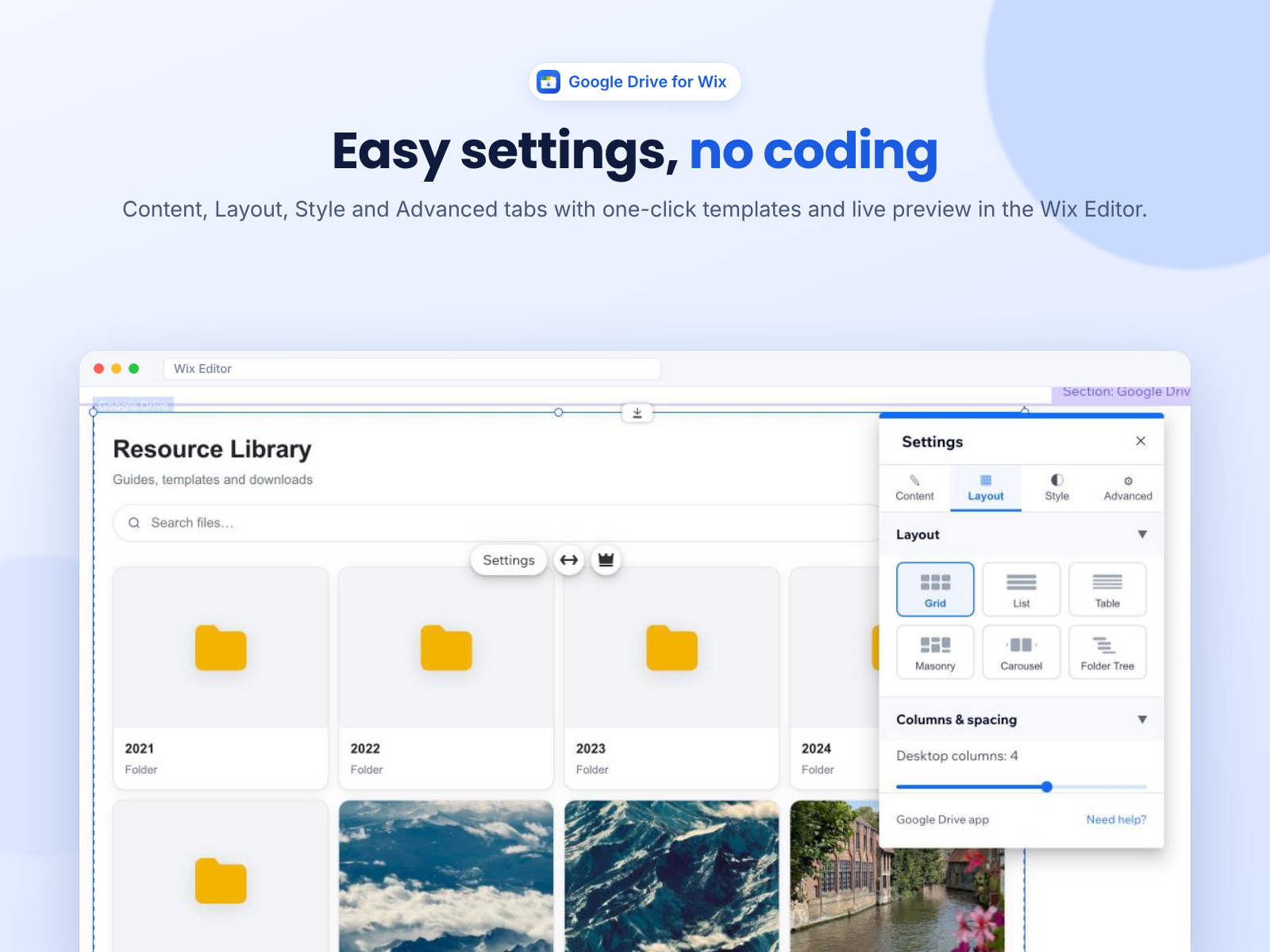
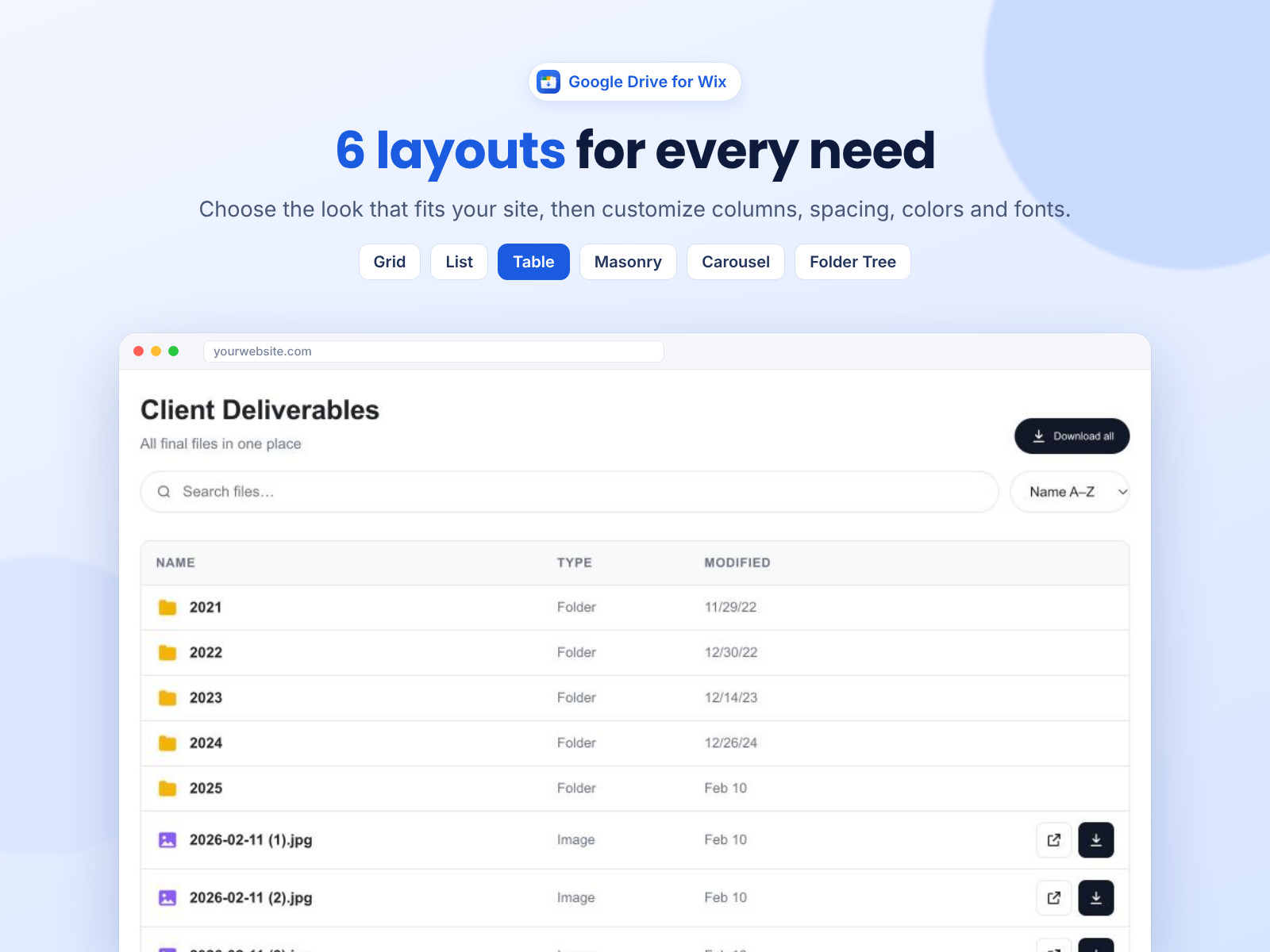
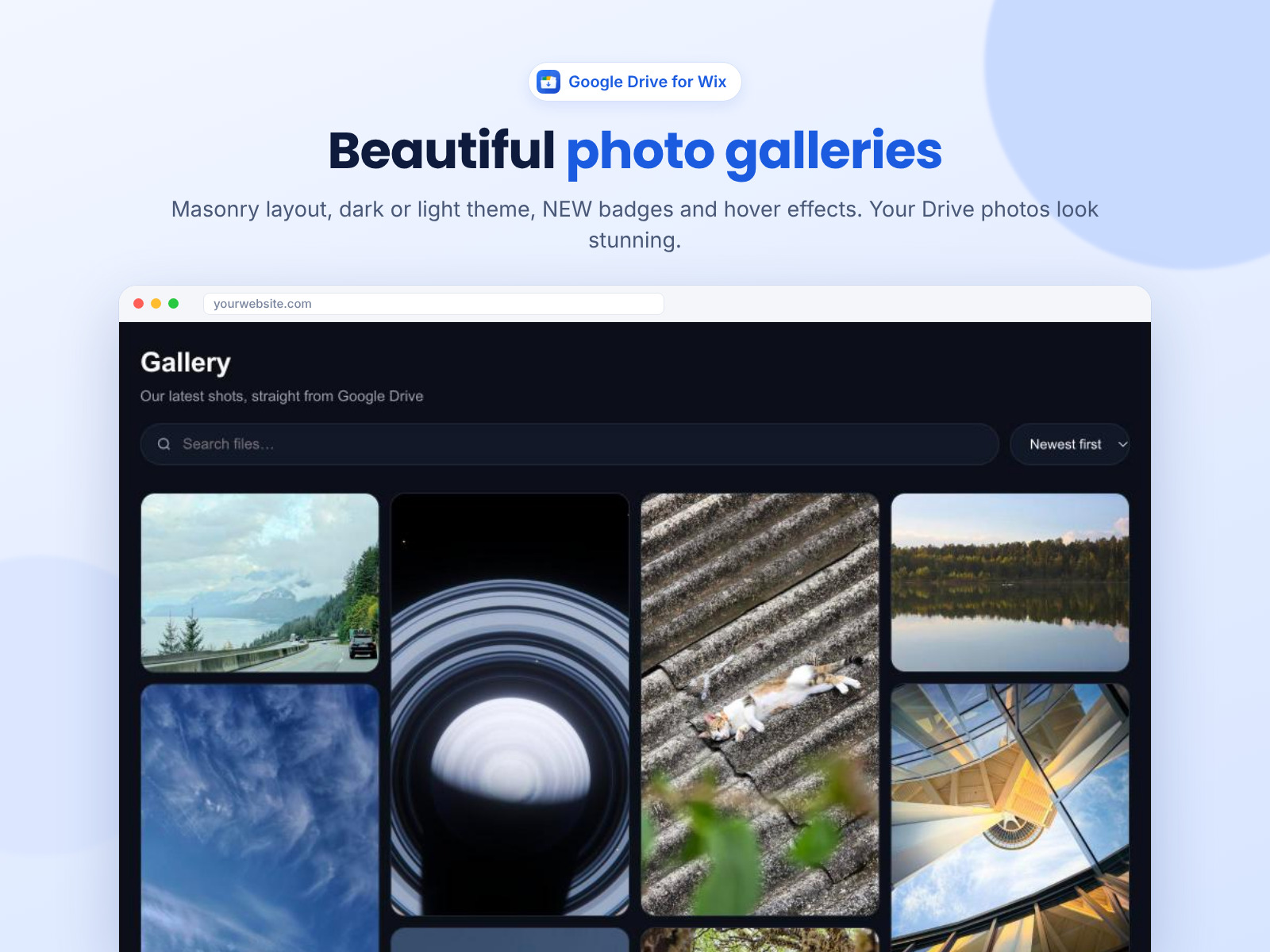
- 6 layouts & templates with easy visual settings
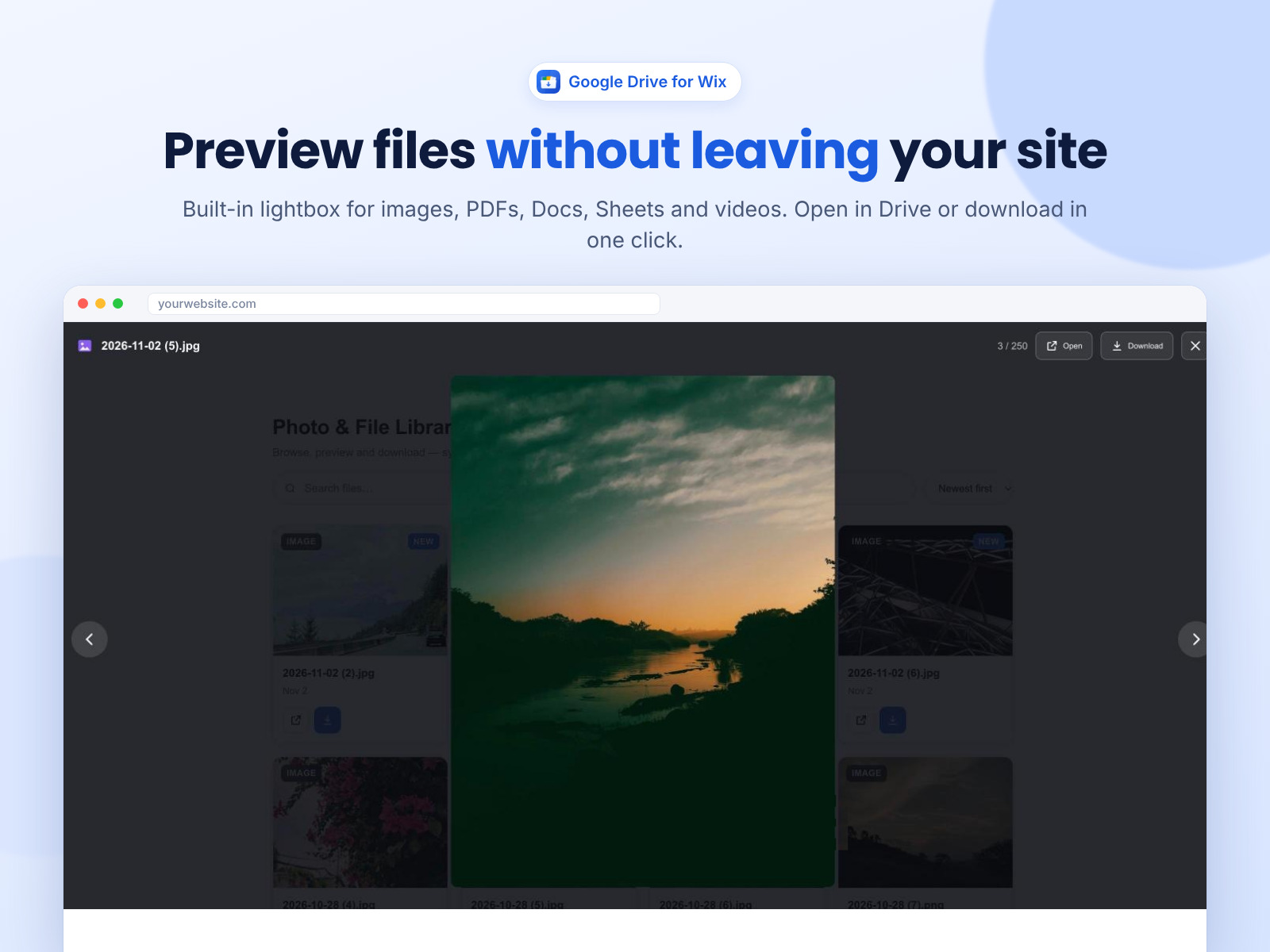
- Preview & download files right on your site
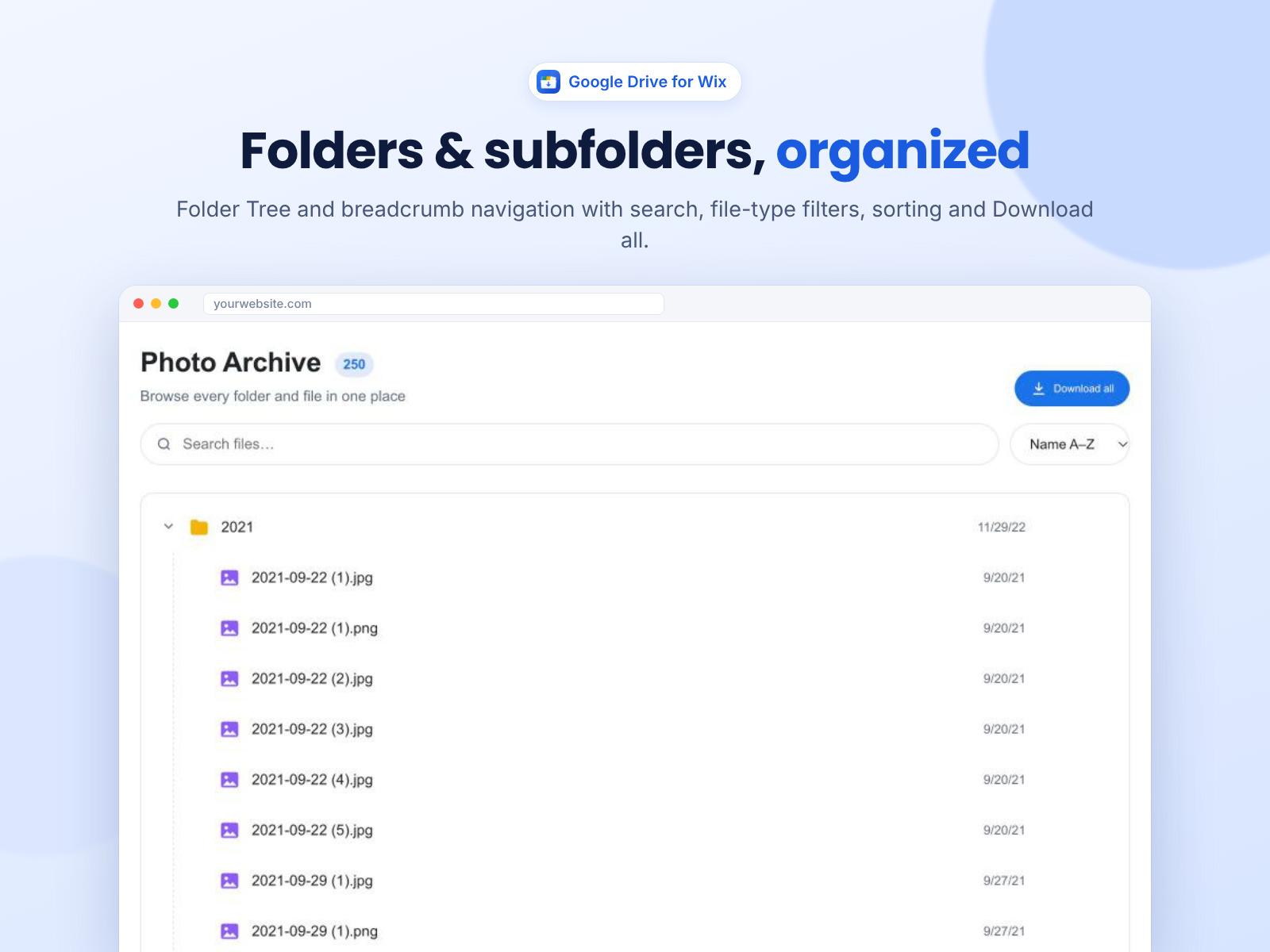
- Search, filters, sub-folders & always in sync
Penilaian & Ulasan
Aplikasi ini belum menerima ulasan apa pun, jadilah yang pertama menilainya.Harga & Paket
Paket Free
Gratis
Grid & List layouts
Lightbox preview & downloads
2 templates & auto-sync with Drive
Paket Basic
$
2
00
/bulan
All 6 layouts & 6 templates
NEW badges on recent files
No "Powered by" badge
Priority support
Paket Pro
$
9
99
/bulan
Everything in Basic
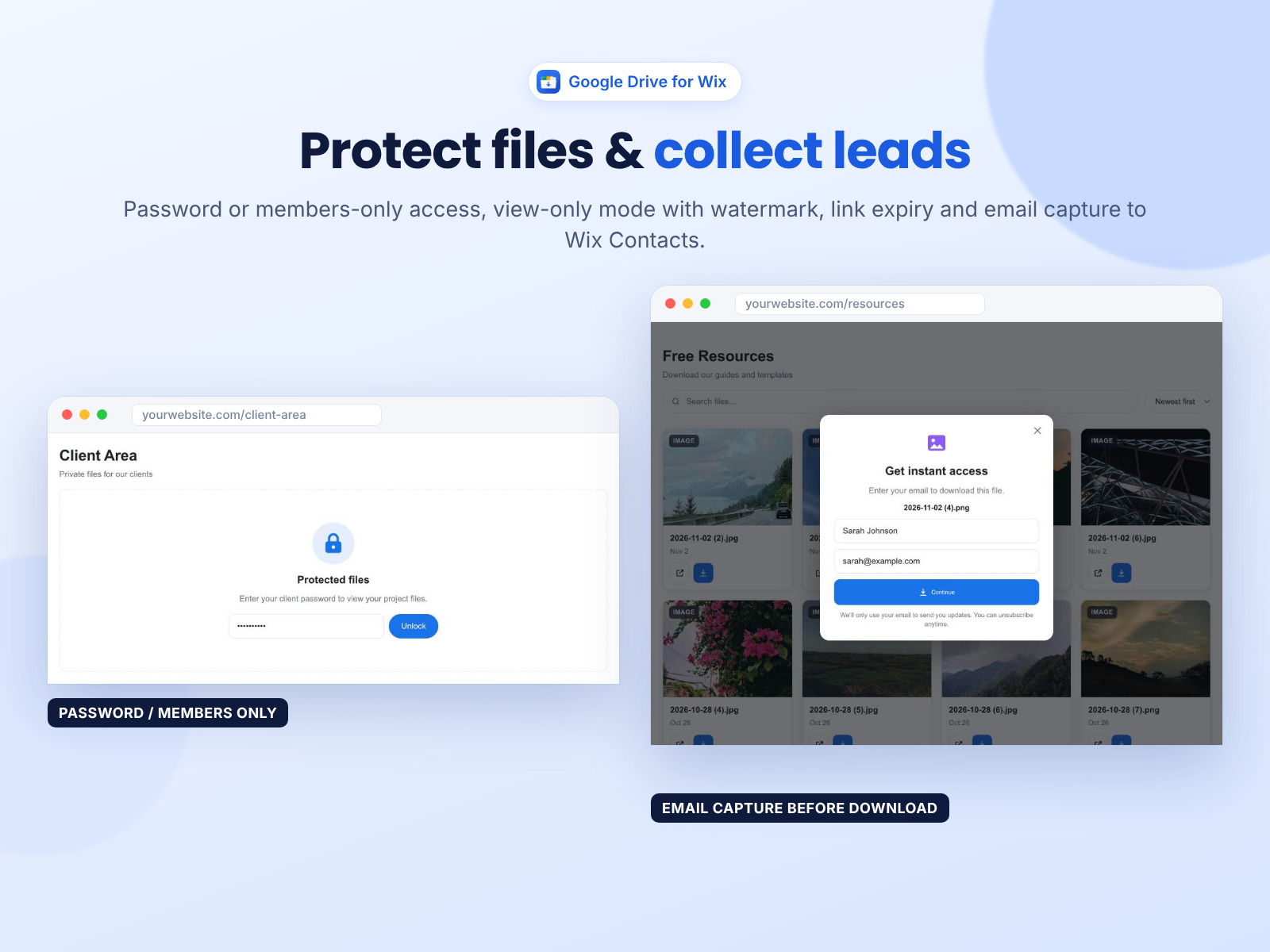
Members-only & password files
Email lead capture to Wix Contacts
View-only, watermark & link expiry
* Harga dalam USD.